
Jazza's Transformation Animation Tutorial: proper technique, patiently taught
A genuine in-depth animation lesson for kids who are serious about drawing.
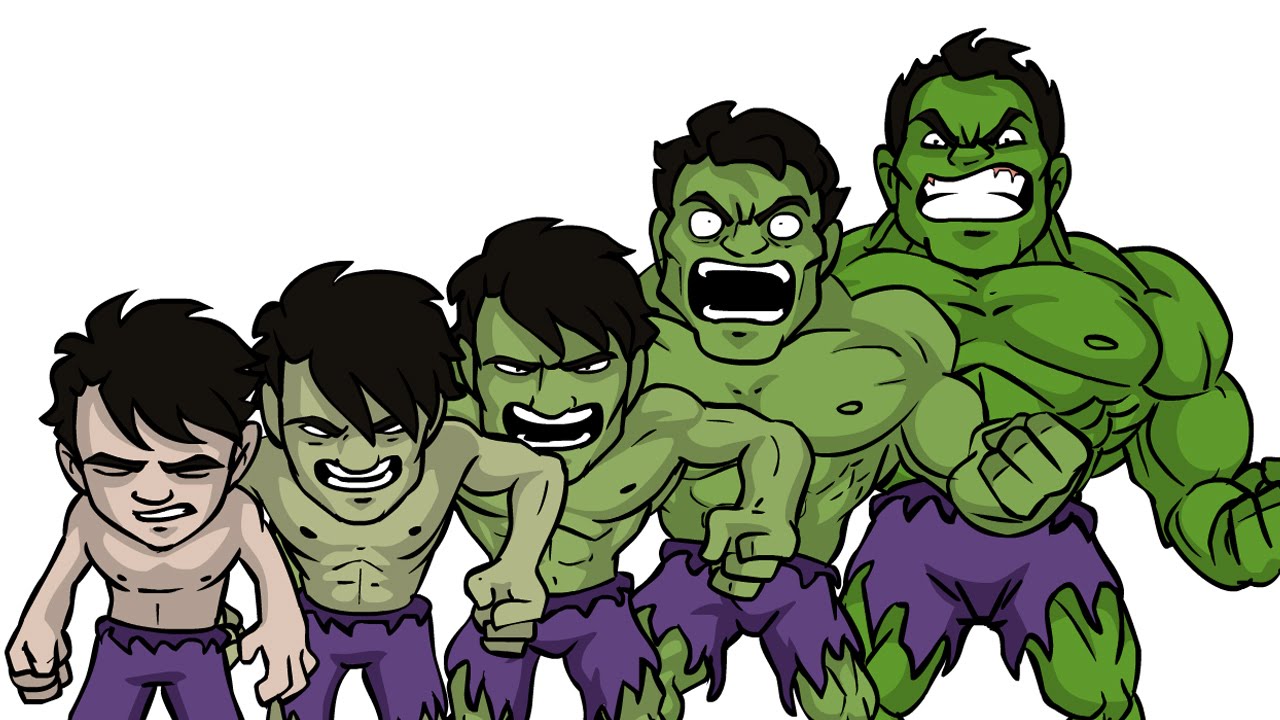

This is a proper technical tutorial, not a breezy craft video: Jazza walks through animating a character transformation in Flash, step by step, at a pace that respects the difficulty of what he's teaching. It's a strong pick for an older child who's already into drawing or animation and wants to go deeper, and a poor pick for anyone younger who isn't yet invested in the software side of art.
At a glance
Will it actually calm them down?
 Solid on Windy days (fizzy, wound-up), focused teaching settles a busy mind
 Good on Rainy days (flat, needs a lift) if they're already drawing-keen
Scores measure how reliably this video moves a child toward a settled, regulated state. In the Piko app, kids tell us their weather and we do the matching automatically.
Longer watches are easier to start than to stop: how to end screen time without a battle.
Which kids will love it?
Why it works
Jazza has built a career on exactly this kind of content: skilled, patient, genuinely technical art and animation tutorials aimed at people who want to get better, not just be entertained. This one covers animating a transformation sequence in Flash, breaking down the actual technique rather than just showing a speeded-up result.
Our analysis rates the pacing at 6.5 seconds per shot, a proper, unhurried teaching pace, and marks the instructional level as high. That combination scores well for settling: 85 out of 100 for calming a wound-up child, which fits, focused technical learning is genuinely absorbing in a way that quietens a busy mind, even though it isn't cosy or sleepy content.
It's a poor fit for very young children, who are more likely to find the software interface confusing or dull than engaging, but for an older child already keen on drawing or animation, this is the kind of video that turns a hobby into a skill.
When to reach for it
- For the child who's serious about drawing. Real technique, not just a fun craft, best for kids already invested in art.
- Focused, screen-based downtime. Slow pacing and high instructional content make this a genuinely settling watch.
- Rainy-day skill building. Long enough and detailed enough to fill a proper chunk of time with something worthwhile.
- Not for younger or reluctant artists. The software interface and technical language will likely bore anyone not already interested.
Sensory & SEN notes
If you are weighing this one up for an autistic child, the same checks we ran here are the ones worth running yourself: how to choose videos for autistic children.
If they love this, try these


Questions parents ask
What age is this animation tutorial best for?
Our scoring points to older children, roughly 10 and up. It's flagged as a poor fit for very young children, who tend to find the technical software interface dull rather than engaging.
Is it calming to watch?
Surprisingly, yes, for the right child. It scores 85 out of 100 for settling a wound-up child, thanks to a slow, unhurried teaching pace. It's focused rather than cosy, but genuinely absorbing.
Do you need Flash or animation experience already?
No prior experience is assumed, but a genuine interest in drawing or animation helps a lot. This is a proper tutorial, not a quick craft video, so motivation matters more than existing skill.
Any sensory concerns?
None flagged. Overall sensory intensity is moderate, mostly from the screen-recording pace rather than any loud sounds or flashing visuals, there are none of either.
40+ checks per video, with a final pass from the review desk · Scored 17 July 2026 · We do not host videos; playback is via YouTube's official embed.