
Official Minecraft Live sulfur cube updates
Explore the upcoming block structures, recipe upgrades, and game mechanics of Minecraft.
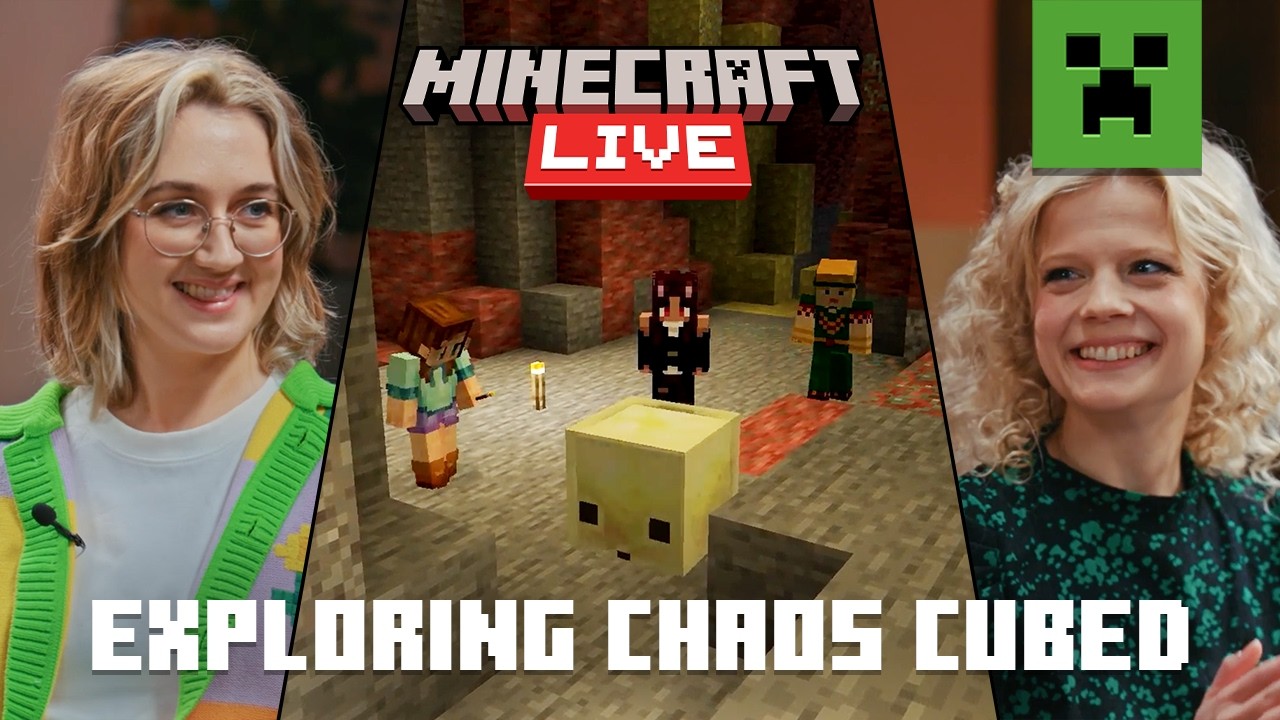

The official Minecraft development team shares an eight-minute news broadcast detailing new mechanical blocks and biome upgrades for their coordinate-building game. The video features developer discussions, voxel graphics displays, and showcase sequences of new mob behaviors. The pacing is lively, with presenters explaining crafting recipes and block rules in clear, enthusiastic voices. It is a completely safe, low-sensory news watch that is best suited for older primary school children.
At a glance
Will it actually calm them down?
 Eases a wound-up mood back to settled.
 A gentle lift on a flat, low-energy afternoon.
 Steady enough for meltdown recovery.
Scores measure how reliably this video moves a child toward a settled, regulated state. In the Piko app, kids tell us their weather and we do the matching automatically.
The zone labels in that chart come from a framework your school may already use: the Zones of Regulation, for parents.
Which kids will love it?
Why it works
The structured dev diary format turns gaming updates into a highly visual, engaging lesson on mechanical rules, software iteration, and digital design. By illustrating how the creators balance coordinate layouts and mobility options, the video builds logical thinking and spatial planning. It works as an engaging, short study helper watch that inspires offline block drawings at home.
When to reach for it
- Gaming news update A quick, clean broadcast to keep kids informed about block design updates.
- Digital design talk Watch to discuss coordinate grids, crafting balance, and game logic rules.
- Study break distraction A brief, low-sensory news segment to break up long offline study blocks.
Sensory & SEN notes
If you are weighing this one up for an autistic child, the same checks we ran here are the ones worth running yourself: how to choose videos for autistic children.
If they love this, try these





Questions parents ask
Is there any scary monster gameplay shown?
No, it features friendly cartoon graphics and developer chattering with no scary surprises.
Does the host use loud shouting?
The presenter voices are upbeat and cheerful but stay at a moderate, comfortable volume level.
What age group is this update for?
The focus on game development updates and block design is best for kids aged ten to eleven.
40+ checks per video, with a final pass from the review desk · Scored 20 July 2026 · We do not host videos; playback is via YouTube's official embed.