
A calm, practical walkthrough of what a 3DS can actually do out of the box
Nintendo's official guide to the 3DS's built-in software, useful mainly for an existing device.
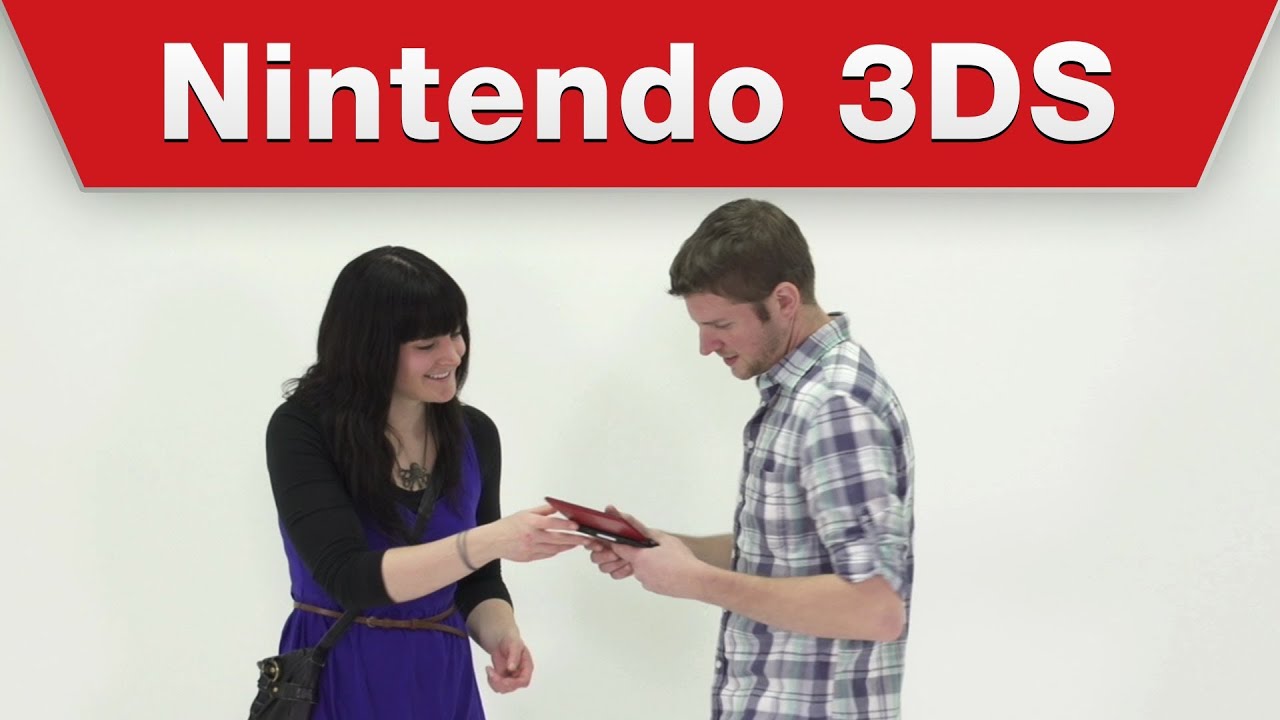

Nintendo's own tutorial covers the built-in software on the 3DS handheld here, a genuinely useful walkthrough if your child actually has one of these handhelds, hand-me-down or otherwise. It's worth being upfront that this covers older hardware rather than anything currently sold new, so its value depends entirely on whether there's a real 3DS in the house to use alongside it. The tone throughout is calm and instructional rather than exciting, this is a practical guide, not entertainment, and it's likely to hold little interest for a child without the device in hand.
At a glance
Will it actually calm them down?
 Eases a wound-up mood back to settled.
 A gentle lift on a flat, low-energy afternoon.
 Steady enough for meltdown recovery.
Scores measure how reliably this video moves a child toward a settled, regulated state. In the Piko app, kids tell us their weather and we do the matching automatically.
A settling video does more when you watch the first few minutes with them: what co-regulation actually means.
Which kids will love it?
Why it works
A clear, official walkthrough of unfamiliar software genuinely helps a child feel confident navigating a new device rather than fumbling through menus alone. The calm, unhurried pace suits practical, task-focused learning well, following along step by step with the actual handheld nearby. Without a 3DS to use alongside it though, the content has very little standalone appeal, this is a tool video rather than something built to entertain on its own.
When to reach for it
- Setting up a hand-me-down or gifted 3DS A genuinely useful walkthrough for a child getting to grips with the device for the first time.
- Alongside the actual handheld Best watched with a real 3DS in hand rather than as standalone viewing.
- Not a general entertainment choice This is a practical tutorial rather than content built to hold interest on its own.
Sensory & SEN notes
If you are weighing this one up for an autistic child, the same checks we ran here are the ones worth running yourself: how to choose videos for autistic children.
If they love this, try these


Questions parents ask
Is this 3DS guide still relevant, given how old the console is?
It's genuinely useful only if your child has an actual 3DS, hand-me-down or otherwise, the console itself is no longer sold new.
Is this video entertaining to watch without owning a 3DS?
Not really, it's a practical tutorial rather than entertainment, so it holds little interest without the device to use alongside it.
Does this video try to sell any extra games or add-ons?
No hard sell is flagged, it's an informational guide to existing built-in software rather than a promotional video.
40+ checks per video, with a final pass from the review desk · Scored 20 July 2026 · We do not host videos; playback is via YouTube's official embed.