
A calm, detailed game development and pixel art log
Explore the character sprite frames, color tables, and screen design of Sonic.
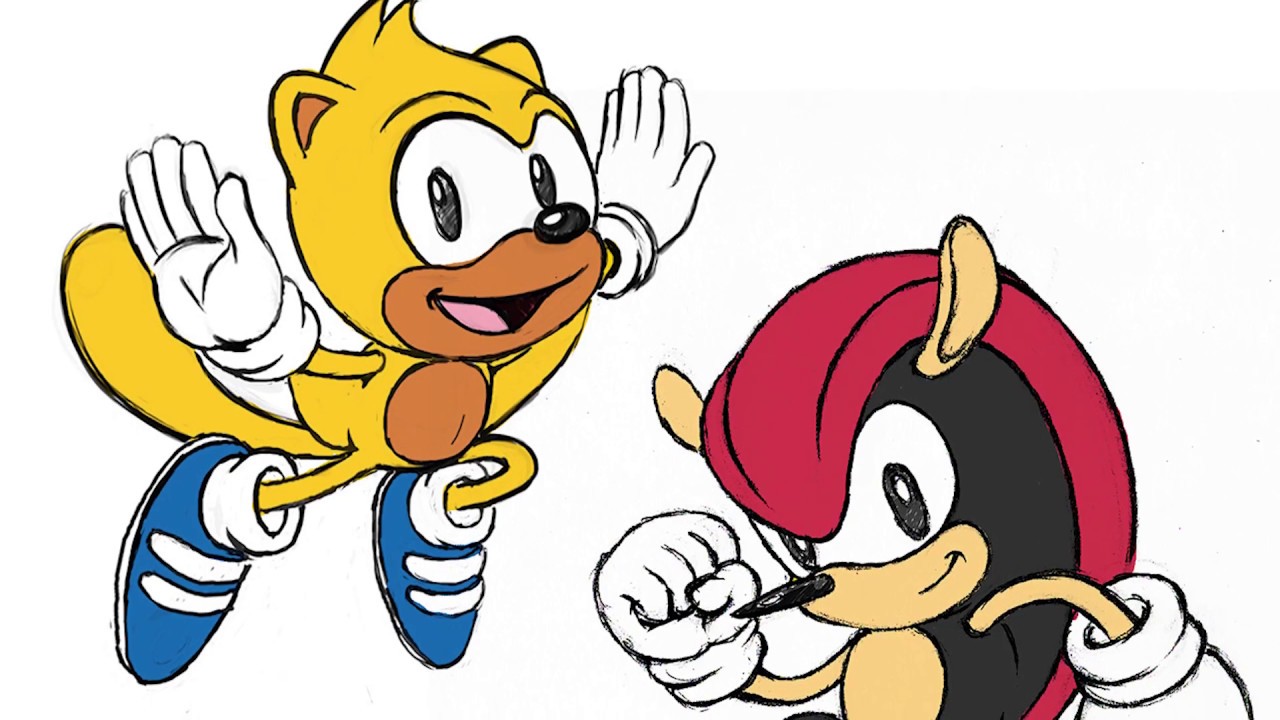

The game studio team at Sonic the Hedgehog shares a five-minute developer diary detailing the pixel art and level design of Sonic Mania Plus. The video displays custom sprite sheets, level sketches, and side-by-side gameplay runs. The pacing is steady, with the developers explaining character colors, animation coordinates, and layout rules in clear, polite voices. It is a highly safe, creative digital design support watch for primary school children.
At a glance
Will it actually calm them down?
 Eases a wound-up mood back to settled.
 A gentle lift on a flat, low-energy afternoon.
 Steady enough for meltdown recovery.
Scores measure how reliably this video moves a child toward a settled, regulated state. In the Piko app, kids tell us their weather and we do the matching automatically.
The zone labels in that chart come from a framework your school may already use: the Zones of Regulation, for parents.
Which kids will love it?
Why it works
The developer interview format turns casual gaming interest into a structured lesson on pixel animation, frame rates, and level layouts. Watching the artists draw sprite coordinate grids and check character scales builds design patience and logical planning. It works as an engaging, short break that prompts kids to design custom character layouts and draw sprites at home.
When to reach for it
- Creative study break A quiet, design-focused break to get kids sketching level grids at home.
- Game physics discussion Watch to discuss sprite animation, frame rates, and programming safety rules.
- Rainy afternoon rescue An absorbing, quiet game art review to settle busy minds on wet days.
Sensory & SEN notes
If you are weighing this one up for an autistic child, the same checks we ran here are the ones worth running yourself: how to choose videos for autistic children.
If they love this, try these



Questions parents ask
Does this dev diary show scary boss battles?
It reviews pixel sprites and stage drawings, with zero scary monster fights.
Are there sudden loud sounds or visual flashes?
No, it features a quiet developer voice and steady screen lighting.
What is pixel art in game design?
It is a digital drawing style where characters are built using small colored blocks.
40+ checks per video, with a final pass from the review desk · Scored 20 July 2026 · We do not host videos; playback is via YouTube's official embed.