
How many Bytes are in a Gigabyte?: a visual guide to digital storage
A beautifully animated, slow-paced breakdown of computer data metrics that educates without sensory overload.
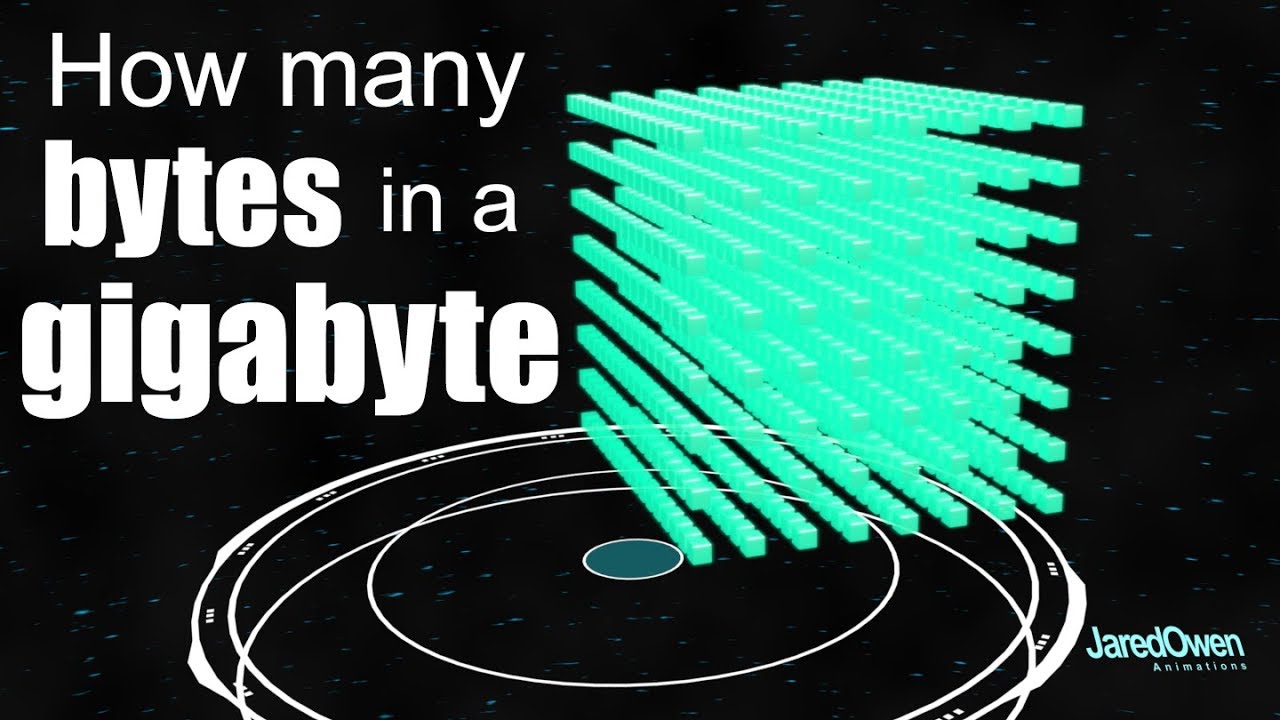

Jared Owen uses clean 3D animation to explain computer storage, from bytes to gigabytes. This four-minute video is clear, quiet and visual, at a steady 6-second shot average. It is a superb fit for Explorer and Independent play styles, especially children aged 8 to 9 who want to understand technology. There are no sudden noises or chaotic colours, it is genuinely settling, a solid quiet placeholder.
At a glance
Will it actually calm them down?
 Eases a wound-up mood back to settled.
 A gentle lift on a flat, low-energy afternoon.
 Steady enough for meltdown recovery.
Scores measure how reliably this video moves a child toward a settled, regulated state. In the Piko app, kids tell us their weather and we do the matching automatically.
A settling video does more when you watch the first few minutes with them: what co-regulation actually means.
Which kids will love it?
Why it works
The visual flow uses slow, smooth 3D rotations to turn abstract storage units into physical representations, and that predictable layout is what makes it so calming. Explorers get the most from it, with Independents behind. It will not suit sensory-seeking children who demand high action or fast movement, though. For sensory-avoiding kids, and for ASD and PDA needs, it is a safe, quiet watch.
When to reach for it
- Homework wind-down. An excellent quiet watch to help explain computer science terms after school without adding visual fatigue.
- Transition to bedtime. With a low sensory score, the quiet narrator voice and slow rotations help slow down busy brains.
Sensory & SEN notes
If you are weighing this one up for an autistic child, the same checks we ran here are the ones worth running yourself: how to choose videos for autistic children.
If they love this, try these


Questions parents ask
Is this video too technical?
It breaks down gigabytes into simple boxes, making it very easy for a primary school child to grasp the concept.
Does the video feature loud music?
No, the background track is soft and ambient, keeping the overall sensory load low.
40+ checks per video, with a final pass from the review desk · Scored 19 July 2026 · We do not host videos; playback is via YouTube's official embed.